
GE Profile hood backlights all blinking together without stopping
Chef Connect hoods store the fan and light levels they jump to when a paired appliance signals them.
Mon–Sat, 8am–8pm
- Mode, not a failure
- No repair needed
- Source: GE Profile
Book a visit
Three short steps, about a minute.
or call (844) 398-3217
Loading appointment form…
The appointment form couldn’t load. Please try again.
What All backlights blink on and off together
actually means.
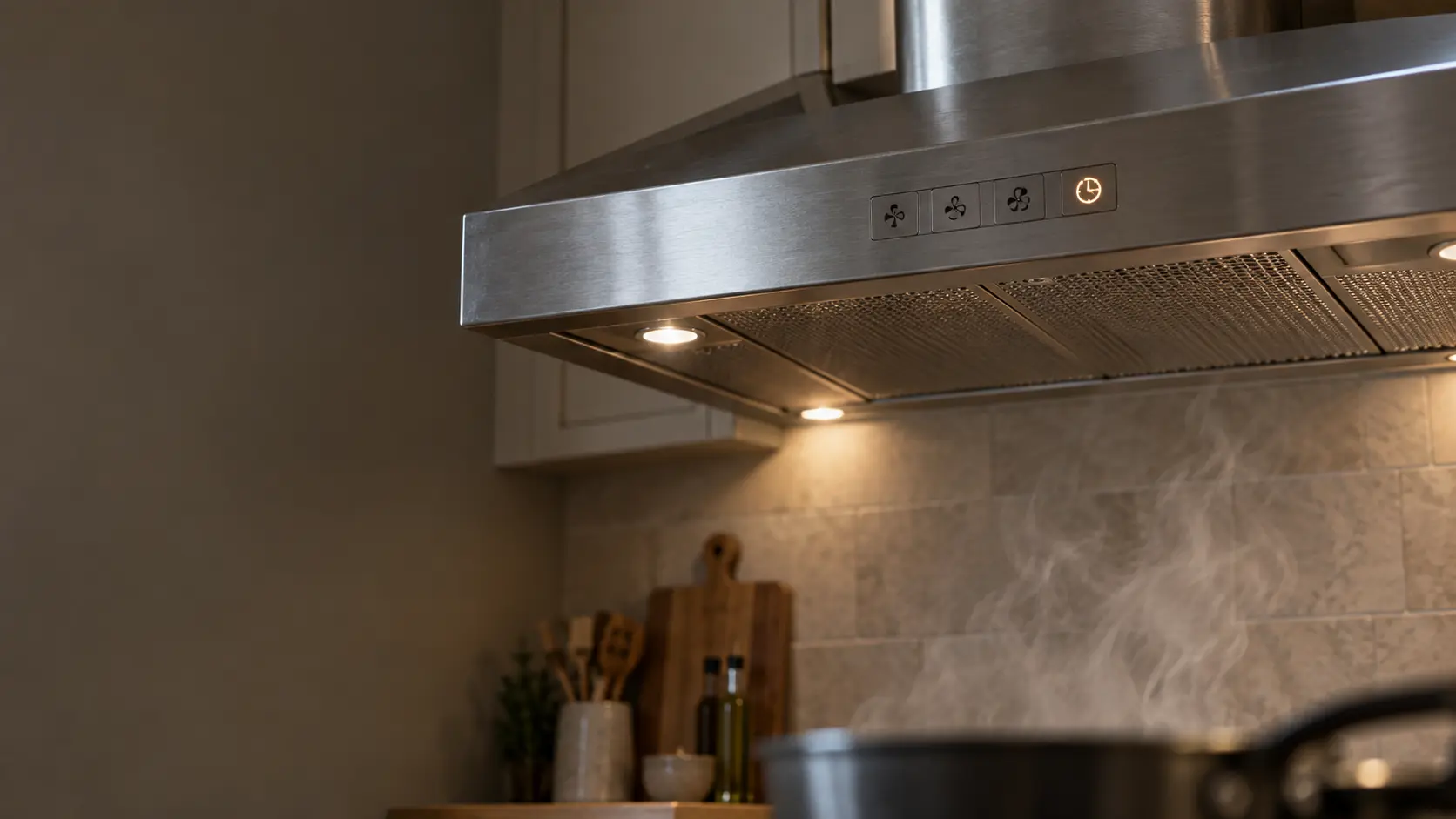
Chef Connect hoods store the fan and light levels they jump to when a paired appliance signals them. Holding the Lo pad for 3 seconds on the PVX7300 opens that setup, and all backlights blink on and off until you save and exit by holding Off for 3 seconds. On the PVW wall hoods with Clean Air Sensors, the same mode is entered and left with 10-second holds of Light and Power.
GE Profile range hood display · also shown as Default Settings Mode
What to do when All backlights blink on and off together shows on the range hoodKind of codeMode, not a failure
The hood is doing something it was told to do, not wearing out: a delay-off timer that keeps the blower running for some minutes after the burners go off, a heat sentry that starts the fan by itself when it senses a hot pan, a Sabbath setting that locks the keys and dims the lights, or a link to the cooking surface that sets the speed on its own. No part is needed; a key sequence from the manual, or simply waiting, ends it.
Usually leads toNo repair
Set the fan and light to the levels you want the hood to use when a paired appliance turns it on.
Shows up asReading a Range Hood Error Code or Blinking Light
A range hood error code may appear as letters and numbers on a display, a light that blinks in a pattern, a filter reminder that will not clear, or a beep with the fan refusing to start.
MakeGE Profile
GE Profile hoods and downdraft vents get fixed in your kitchen, starting with a check of the breaker and the hood's own switch.
SourceGE / GE Profile range hoods owner's manual 49-2001095 (JVX, PVX7300, PVX7360)
GE Profile PVX7300/PVX7360 (manual 49-2001095: enter with Lo 3 s, exit with Off 3 s) and PVW1030/PVW1036 (manual 49-7000239: enter with Light 10 s, exit with Power 10 s).
Before you book,
in this order.
Each step comes from GE Profile's own guidance for All backlights blink on and off together on its range hoods. Follow it to the end: the last card says whether this is a visit.
Set the fan and light to the levels you want the hood to use when a paired appliance turns it on.
Save and exit: hold Off for 3 seconds on the PVX7300, or Power for 10 seconds on the PVW wall hoods.
Check that the blinking stops and the fan and light return to what they were doing before.
If the blinking will not stop after the exit hold, switch the breaker off for 30 seconds; if it returns, book a visit.
Cleared?
The code is gone and the blower pulls steam up on every speed again without a new part. If it returns this week, or the filter reminder keeps coming back right after a cleaning, mention it in the booking.
What not to do
This blinking does not come from a failed keypad or a power problem. It is also different from pairing, where the lights either chase in order or a single Chef Connect light blinks.
What you may
notice with it.
The range hood problems All backlights blink on and off together tends to arrive with. Answer these at the range hood before anyone is booked.
All problems
No repair indicated
Nothing to repair.
The hood is doing something it was told to do, not wearing out: a delay-off timer that keeps the blower running for some minutes after the burners go off, a heat sentry that starts the fan by itself when it senses a hot pan, a Sabbath setting that locks the keys and dims the lights, or a link to the cooking surface that sets the speed on its own. No part is needed; a key sequence from the manual, or simply waiting, ends it.
GE Profile
range hoods.
GE Profile hoods and downdraft vents get fixed in your kitchen, starting with a check of the breaker and the hood's own switch.
GE Profile range hood repairMore GE Profile codes
Mode, not a failure on other makes
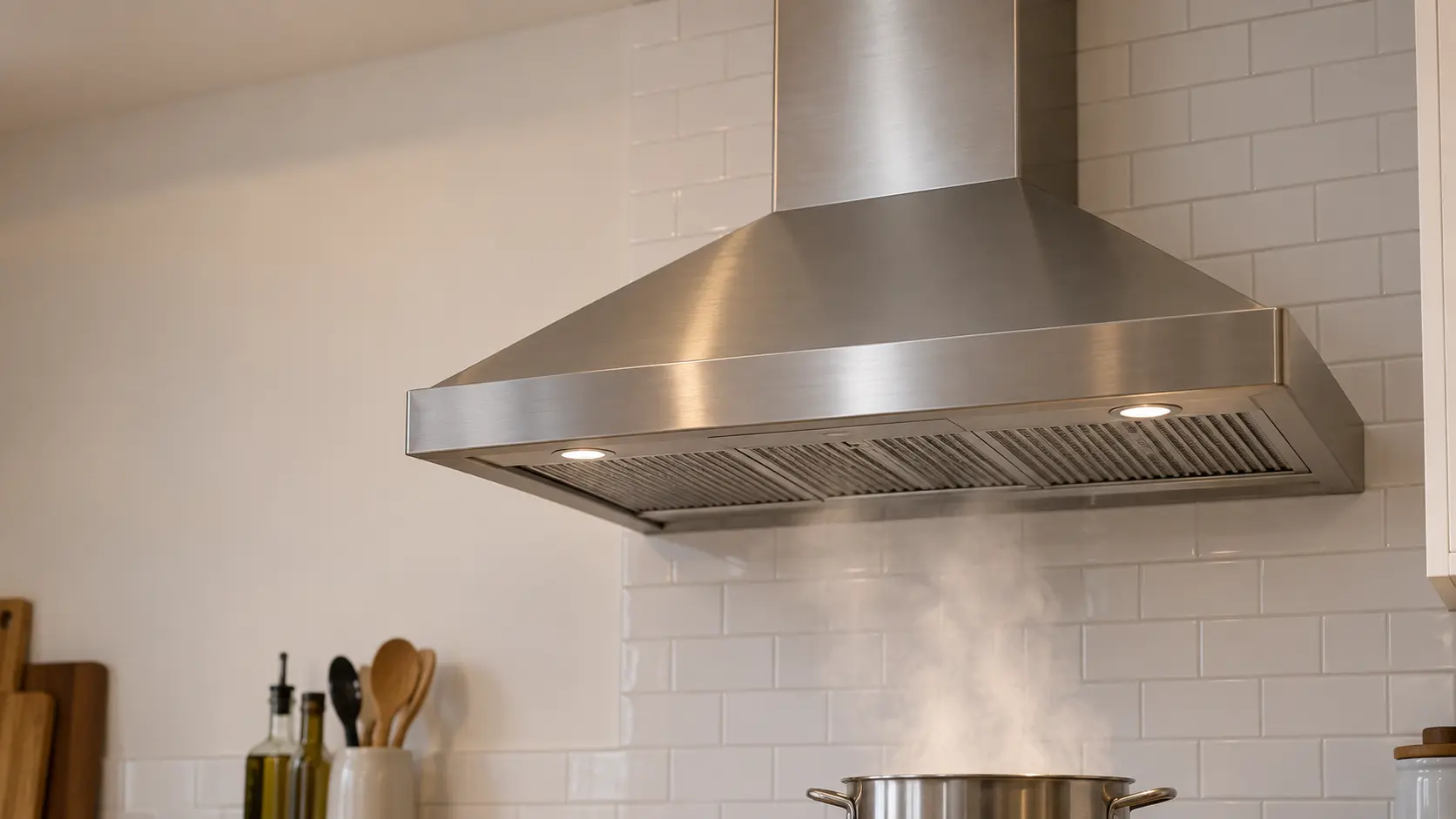
Wall-mount range hood
The chimney hood fixed to a bare stretch of wall above the burners, its canopy catching the rising smoke while a telescoping cover hides the duct that climbs to the ceiling.
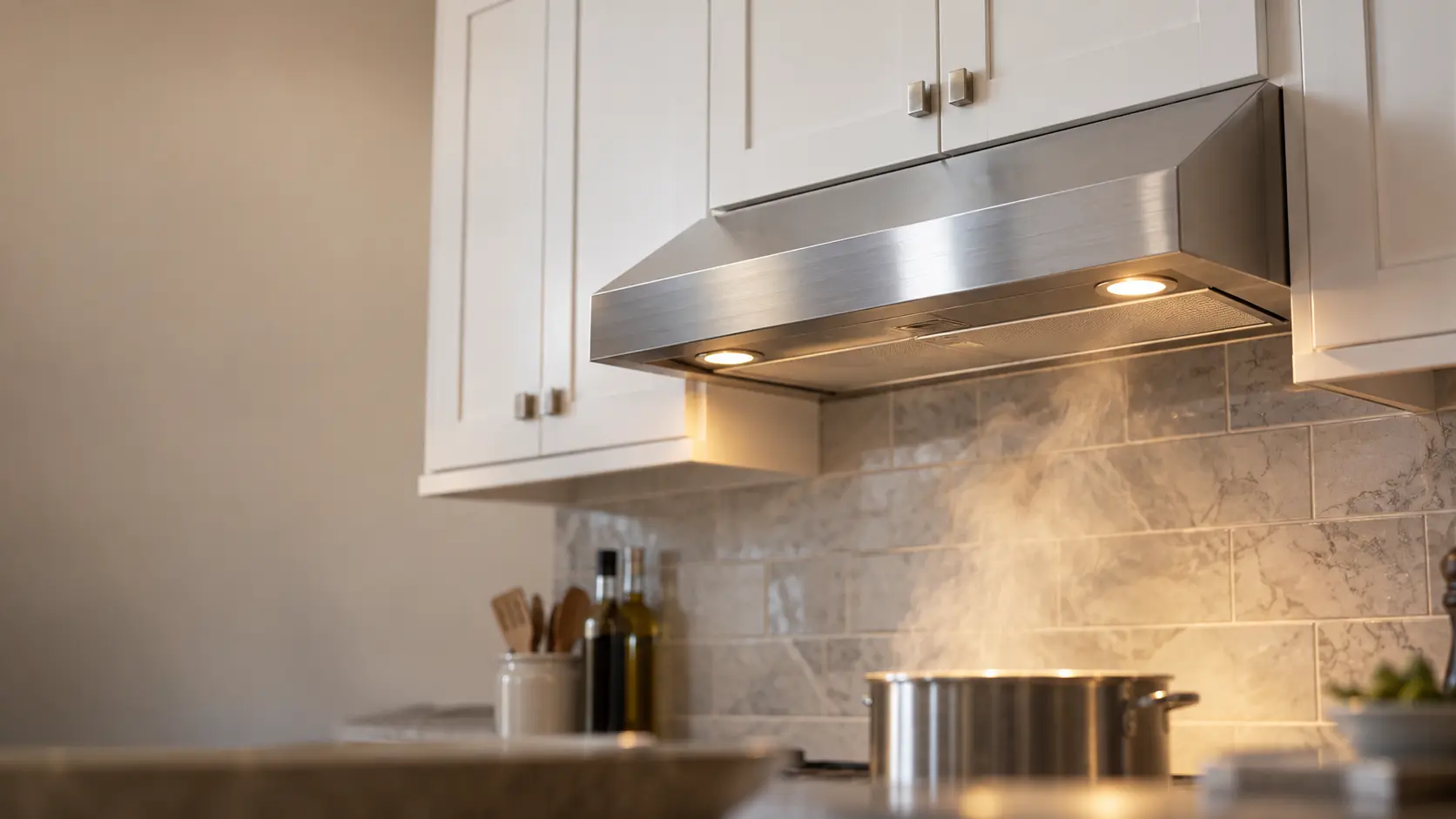
Under-cabinet range hood
The slim hood screwed to the bottom of the wall cabinet over the burners, venting up through that cabinet or back through the wall, or cleaning the air and returning it to the room.
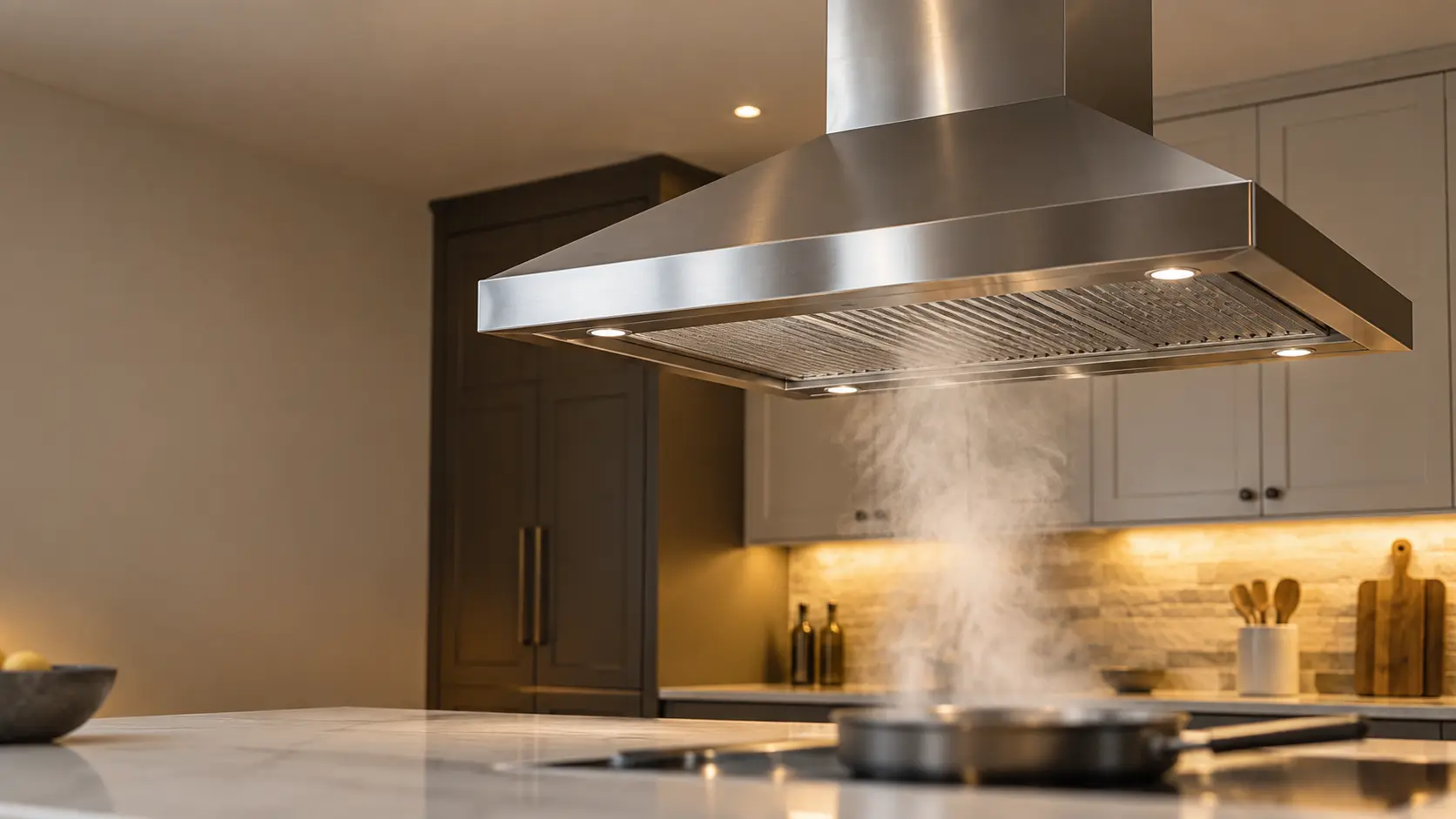
Island range hood
The hood that hangs from the ceiling over burners set into a kitchen island, open on all four sides, with its duct and wiring hidden inside a chimney that drops from above.
In GE Profile's own words
The user can change the Default Sync Settings by pressing and holding the Lo pad for 3 seconds.
Every code on this site is taken from the manufacturer's documentation, never from a forum or a parts listing. GE Profile PVX7300/PVX7360 (manual 49-2001095: enter with Lo 3 s, exit with Off 3 s) and PVW1030/PVW1036 (manual 49-7000239: enter with Light 10 s, exit with Power 10 s).
GE Profile All backlights blink on and off together range hood repair,
where we come out.
The same visit in every metro below: the code, the model number, and a diagnosis before any part is ordered.
All service areasTampa BayFL · 31 areas
Miami / South FloridaFL · 47 areas
New York MetroNY · 75 areas
HoustonTX · 36 areas
ChicagoIL · 50 areas
Los AngelesCA · 95 areas
San DiegoCA · 31 areas

Questions
about All backlights blink on and off together.
Can I clear All backlights blink on and off together myself?
Why are all the buttons on my GE Profile hood blinking?
Can I use my GE Profile hood normally while the buttons blink?
What do the default sync settings on a GE Profile hood control?
Back to your everyday
Still showing All backlights blink on and off together?
Three things make the booking useful: the letters or blink pattern exactly as they showed, the full model number from the label behind the filters, and whether the fan still moves air on every speed. With those, the technician arrives with half the answer already worked out.