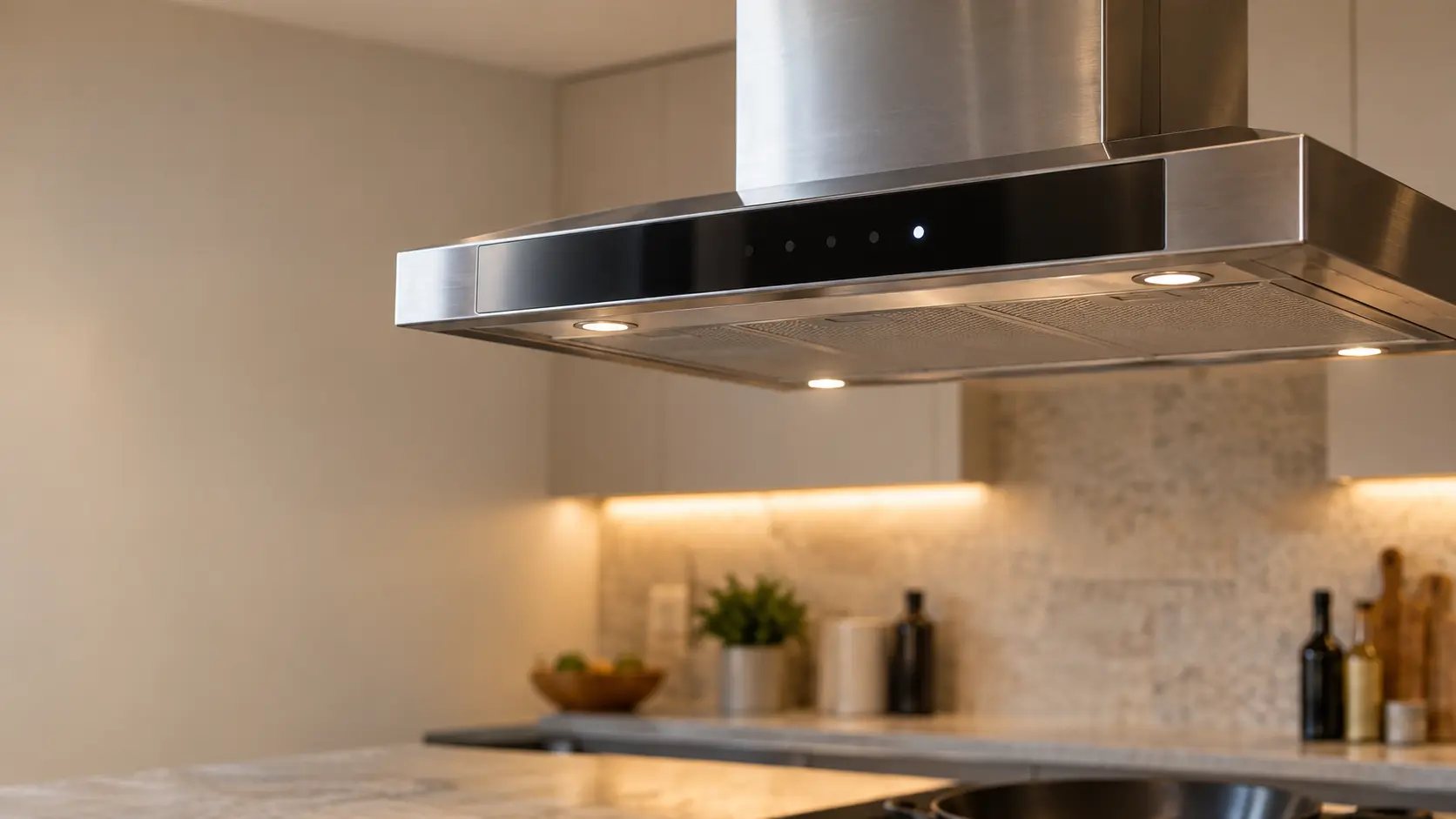


Bosch insert CONNECT and 2 flashing: Wi-Fi setup timed out
Bosch uses the speed keys to report each step of Home Connect setup.
Mon–Sat, 8am–8pm
- Control board and keypad
- Range hood control board repair
- Source: Bosch
Book a visit
Three short steps, about a minute.
or call (844) 398-3217
Loading appointment form…
The appointment form couldn’t load. Please try again.
What CONNECT and 2 flashing
actually means.
Bosch uses the speed keys to report each step of Home Connect setup. CONNECT with 2 flashing is its way of saying the network could not be found in time during the WPS attempt. The fan and lights carry on working from the keypad.
Bosch range hood display
What to do when CONNECT and 2 flashing shows on the range hoodKind of codeControl board and keypad
The electronics that read the keys and switch the fan and the lights have flagged a problem with themselves: a key the board thinks is held down, a membrane keypad worn through or soaked with grease and steam, a speed relay that stuck closed, or a board that lost its settings in a surge. A breaker reset clears a one-off; a code that returns, or a hood that ignores its keys entirely, needs the keypad and the board tested.
Usually leads toRange hood control board repair
Testing and replacing the board behind a keypad or touch strip: the relays for each speed and the lights, the timers and the power supply.
Shows up asReading a Range Hood Error Code or Blinking Light
A range hood error code may appear as letters and numbers on a display, a light that blinks in a pattern, a filter reminder that will not clear, or a beep with the fan refusing to start.
MakeBosch
Bosch range hoods and downdraft vents get a home visit in which the touch controls and the fan's timed shut-off are checked before anything is opened.
SourceBosch Custom Insert Hoods User Manual HUI34253UC, HUI30253UC, HUI36253UC, HUI80553UC, HUI86553UC
Bosch custom insert hoods HUI30253UC, HUI34253UC, HUI36253UC, HUI80553UC and HUI86553UC with Home Connect.
Before you book,
in this order.
Each step comes from Bosch's own guidance for CONNECT and 2 flashing on its range hoods. Follow it to the end: the last card says whether this is a visit.
Make sure the router is close enough for a solid signal and its WPS button is pressed at the right step.
With the fan and light off, restart setup from the CONNECT key.
If WPS will not work, follow the manual connection steps in the Home Connect app instead.
Book a visit if neither method ever connects.
Still there?
It usually turns into range hood control board repair. Book with the code and the model number.
What not to do
Flashing CONNECT with 3 means the hood did join the network. The key simply going dark is a different problem: the phone app failed to link, not the router.
What you may
notice with it.
The range hood problems CONNECT and 2 flashing tends to arrive with. Answer these at the range hood before anyone is booked.
All problems
Where CONNECT and 2 flashing usually leads
Range hood control board repair.
Bosch
range hoods.
Bosch range hoods and downdraft vents get a home visit in which the touch controls and the fan's timed shut-off are checked before anything is opened.
Bosch range hood repairMore Bosch codes
Control board and keypad on other makes
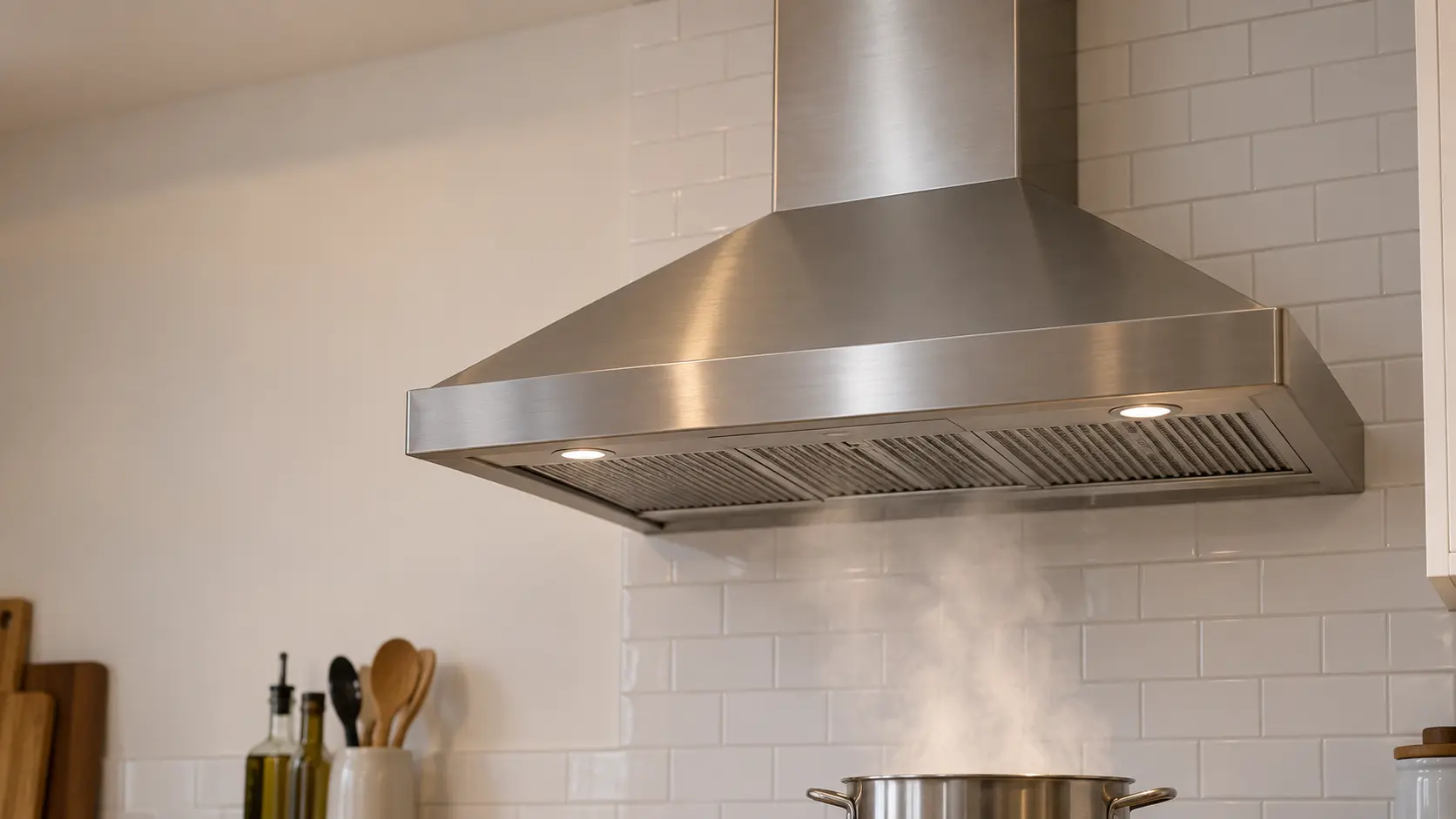
Wall-mount range hood
The chimney hood fixed to a bare stretch of wall above the burners, its canopy catching the rising smoke while a telescoping cover hides the duct that climbs to the ceiling.
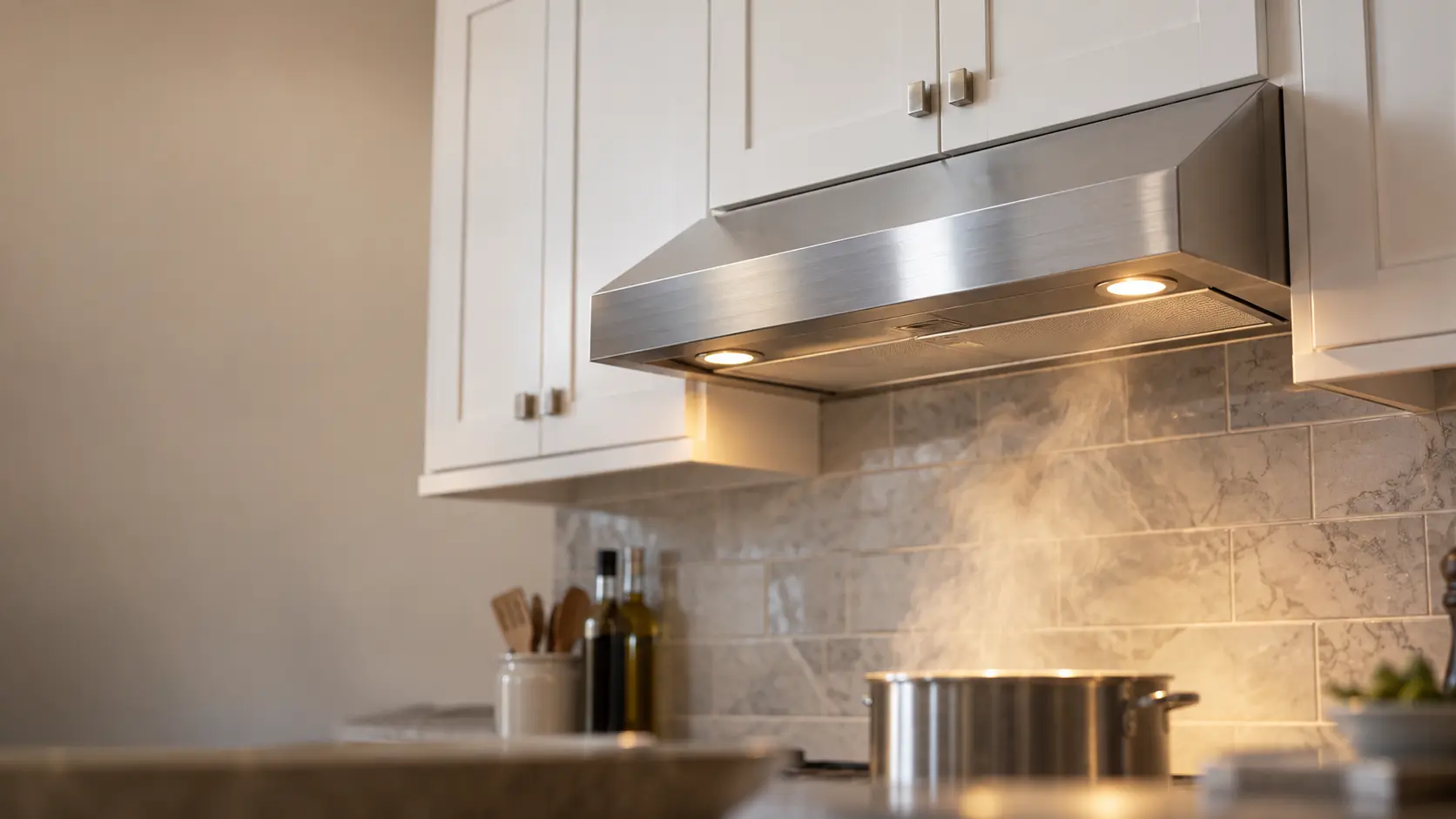
Under-cabinet range hood
The slim hood screwed to the bottom of the wall cabinet over the burners, venting up through that cabinet or back through the wall, or cleaning the air and returning it to the room.
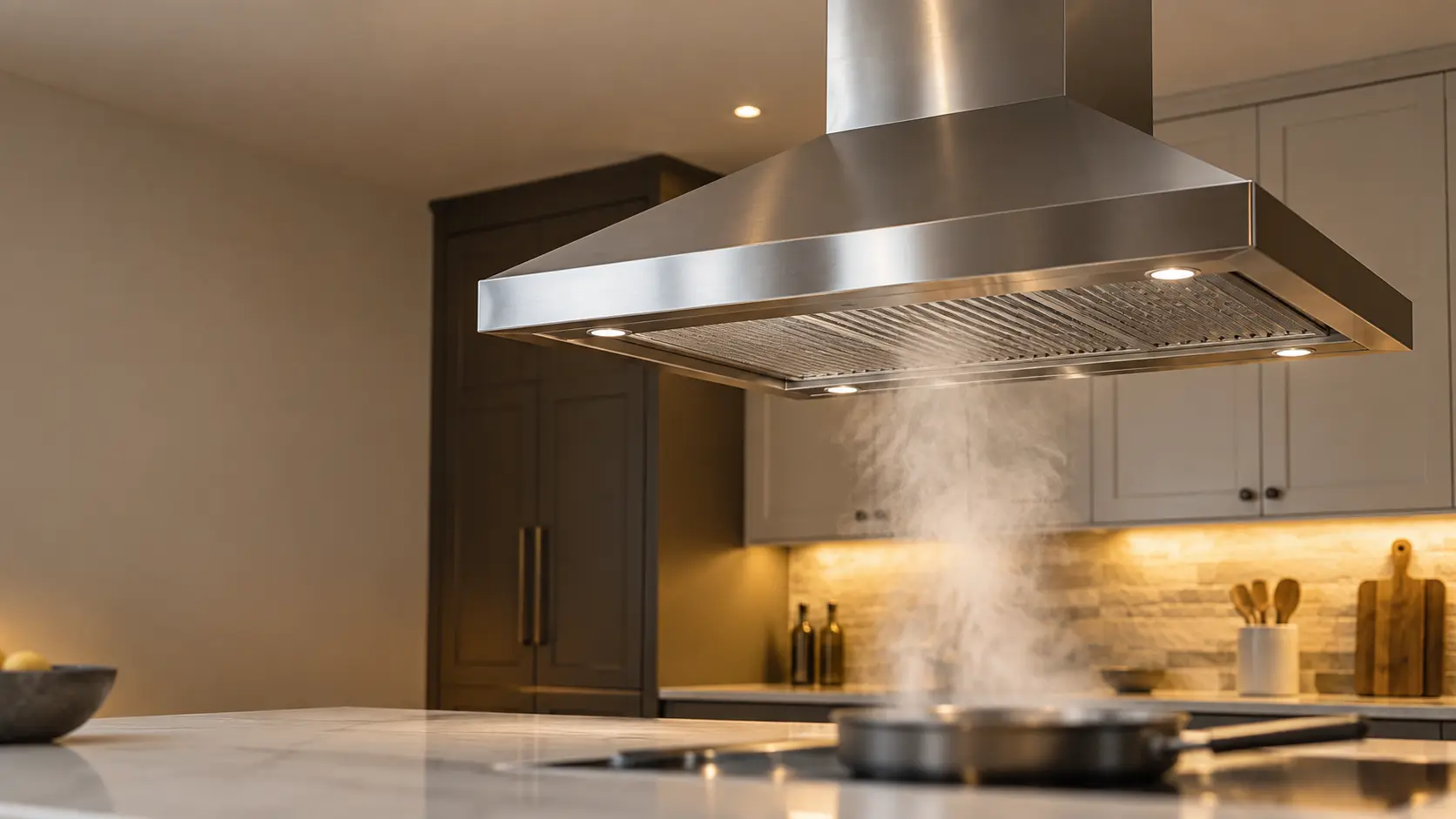
Island range hood
The hood that hangs from the ceiling over burners set into a kitchen island, open on all four sides, with its duct and wiring hidden inside a chimney that drops from above.
In Bosch's own words
Error: If the “CONNECT” and “2” light flashes then the hood
Every code on this site is taken from the manufacturer's documentation, never from a forum or a parts listing. Bosch custom insert hoods HUI30253UC, HUI34253UC, HUI36253UC, HUI80553UC and HUI86553UC with Home Connect.
Bosch CONNECT and 2 flashing range hood repair,
where we come out.
The same visit in every metro below: the code, the model number, and a diagnosis before any part is ordered.
All service areasTampa BayFL · 31 areas
Miami / South FloridaFL · 47 areas
New York MetroNY · 75 areas
HoustonTX · 36 areas
ChicagoIL · 50 areas
Los AngelesCA · 95 areas
San DiegoCA · 31 areas

Questions
about CONNECT and 2 flashing.
Can I clear CONNECT and 2 flashing myself?
Why does my Bosch insert need the fan off to connect?
Is a Bosch insert that won't connect still safe to use?
Can a weak signal behind cabinetry stop my Bosch insert connecting?
Back to your everyday
Still showing CONNECT and 2 flashing?
Three things make the booking useful: the letters or blink pattern exactly as they showed, the full model number from the label behind the filters, and whether the fan still moves air on every speed. With those, the technician arrives with half the answer already worked out.