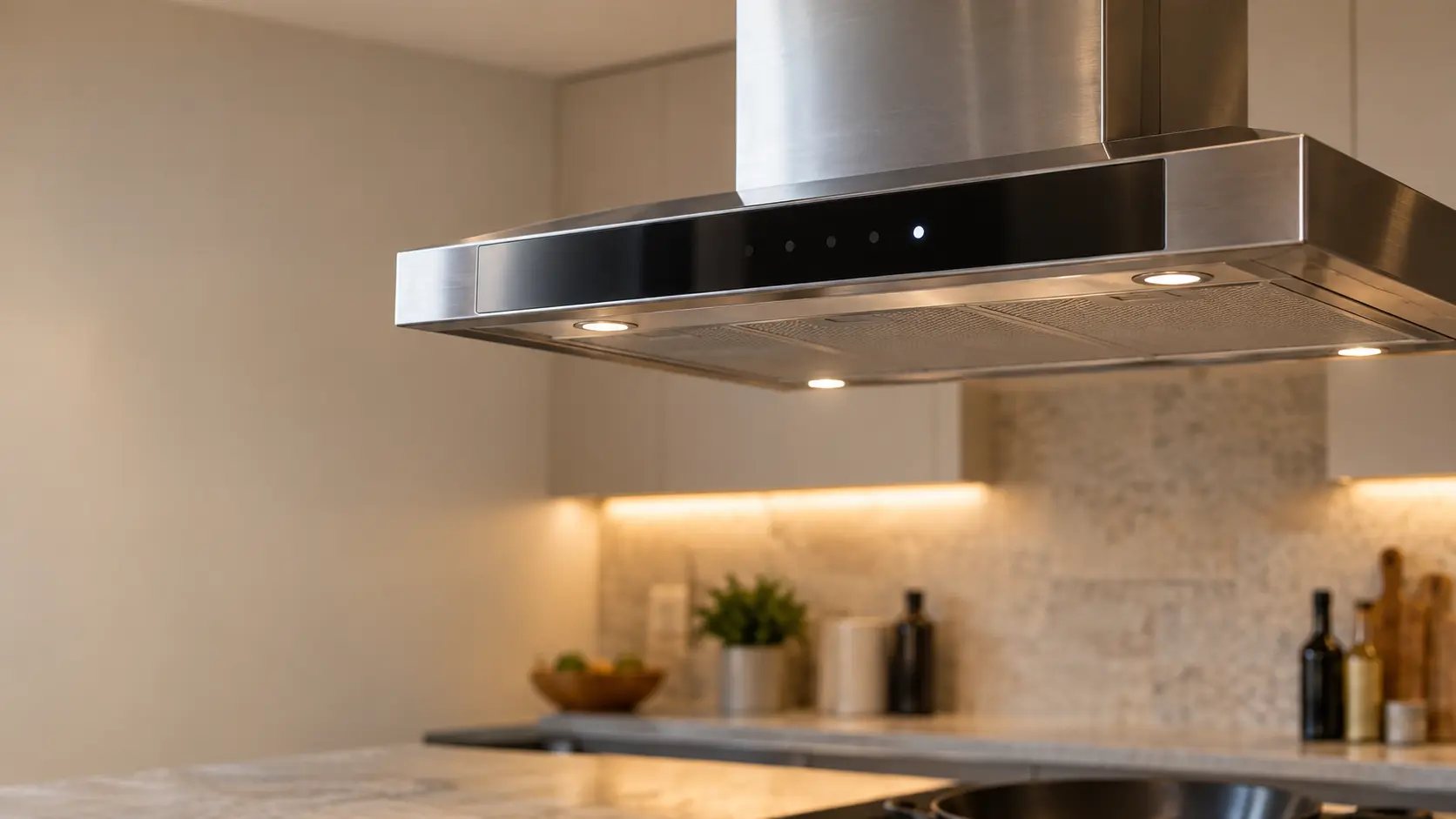


Fisher & Paykel Wi-Fi button flashing white: the hood is looking for its network
Fisher & Paykel lists two causes: the hood is reaching for a router that has dropped out, or it remembers an old network after a router change.
Mon–Sat, 8am–8pm
- Control board and keypad
- Range hood control board repair
- Source: Fisher & Paykel
Book a visit
Three short steps, about a minute.
or call (844) 398-3217
Loading appointment form…
The appointment form couldn’t load. Please try again.
What Wi-Fi button flashing white
actually means.
Fisher & Paykel lists two causes: the hood is reaching for a router that has dropped out, or it remembers an old network after a router change. The hood itself keeps working; only app control is affected.
Fisher & Paykel range hood display
What to do when Wi-Fi button flashing white shows on the range hoodKind of codeControl board and keypad
The electronics that read the keys and switch the fan and the lights have flagged a problem with themselves: a key the board thinks is held down, a membrane keypad worn through or soaked with grease and steam, a speed relay that stuck closed, or a board that lost its settings in a surge. A breaker reset clears a one-off; a code that returns, or a hood that ignores its keys entirely, needs the keypad and the board tested.
Usually leads toRange hood control board repair
Testing and replacing the board behind a keypad or touch strip: the relays for each speed and the lights, the timers and the power supply.
Shows up asReading a Range Hood Error Code or Blinking Light
A range hood error code may appear as letters and numbers on a display, a light that blinks in a pattern, a filter reminder that will not clear, or a beep with the fan refusing to start.
MakeFisher & Paykel
Fisher and Paykel range hoods that start by themselves or refuse to stop are examined at home, beginning with any automatic setting.
SourceFisher & Paykel Contemporary Wall Range Hood User Guide HC24DCXB4, HC30DCXB4, HC36DCXB4
Series 7 contemporary box chimney wall hoods HC24DCXB4, HC30DCXB4, HC36DCXB4 and integrated inserts HP24IDCHX4, HP30IDCHX4, HP36IDCHX4.
Before you book,
in this order.
Each step comes from Fisher & Paykel's own guidance for Wi-Fi button flashing white on its range hoods. Follow it to the end: the last card says whether this is a visit.
Check that the home router is on and working.
If you changed networks, hold the Wi-Fi button until it flashes red to clear the old one.
Open the SmartHQ app and follow its steps to connect again, within 15 minutes of starting.
Book a visit if the hood never connects after a clean start.
Still there?
It usually turns into range hood control board repair. Book with the code and the model number.
What not to do
A flashing white Wi-Fi button is not the link button, which is about the cooking surface. Buttons flashing red or white while you hold Lights with the hood off are the color temperature setting.
What you may
notice with it.
The range hood problems Wi-Fi button flashing white tends to arrive with. Answer these at the range hood before anyone is booked.
All problems
Where Wi-Fi button flashing white usually leads
Range hood control board repair.
Fisher & Paykel
range hoods.
Fisher and Paykel range hoods that start by themselves or refuse to stop are examined at home, beginning with any automatic setting.
Fisher & Paykel range hood repairMore Fisher & Paykel codes
Control board and keypad on other makes
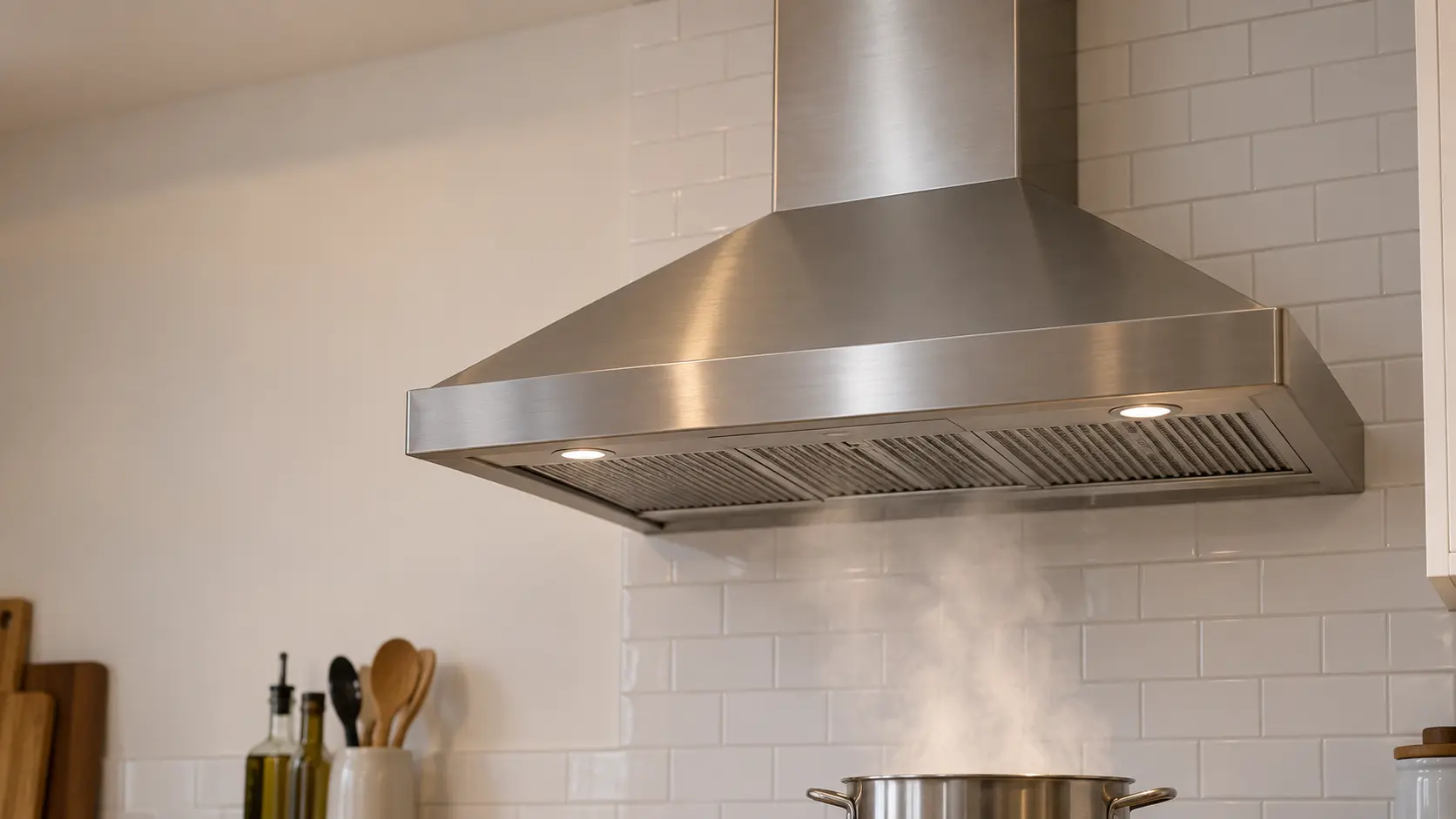
Wall-mount range hood
The chimney hood fixed to a bare stretch of wall above the burners, its canopy catching the rising smoke while a telescoping cover hides the duct that climbs to the ceiling.

Range hood insert
The working core of a custom hood: a steel liner or power pack carrying the blower, filters, lights and controls, fitted inside a hood built of wood, plaster or metal by a cabinetmaker.
In Fisher & Paykel's own words
Range hood is trying to reconnect
Every code on this site is taken from the manufacturer's documentation, never from a forum or a parts listing. Series 7 contemporary box chimney wall hoods HC24DCXB4, HC30DCXB4, HC36DCXB4 and integrated inserts HP24IDCHX4, HP30IDCHX4, HP36IDCHX4.
Fisher & Paykel Wi-Fi button flashing white range hood repair,
where we come out.
The same visit in every metro below: the code, the model number, and a diagnosis before any part is ordered.
All service areasTampa BayFL · 31 areas
Miami / South FloridaFL · 47 areas
New York MetroNY · 75 areas
HoustonTX · 36 areas
ChicagoIL · 50 areas
Los AngelesCA · 95 areas
San DiegoCA · 31 areas

Questions
about Wi-Fi button flashing white.
Can I clear Wi-Fi button flashing white myself?
Which app does a Fisher & Paykel hood use?
Does a Fisher & Paykel hood work without Wi-Fi?
How long does a Fisher & Paykel hood take to connect?
Back to your everyday
Still showing Wi-Fi button flashing white?
Three things make the booking useful: the letters or blink pattern exactly as they showed, the full model number from the label behind the filters, and whether the fan still moves air on every speed. With those, the technician arrives with half the answer already worked out.